











You’ve invested in a power meter, dialed in your training zones, and clipped in for a serious ride – but your bike computer is rattling around on a half-fitted mount.
Here’s the thing: that one overlooked detail in your road bike accessories setup can quietly destroy the accuracy of every watt you measure. Let’s break down exactly what goes wrong.
What Actually Happens to Your Power Readings
A loose or improper mount doesn’t just look messy – it directly corrupts the data your bike computer collects.
Your bike computer is the only device that captures and displays the data your power meter transmits. Without a stable, secure mount, that communication chain breaks down.
When the computer vibrates excessively or shifts position mid-ride, the ANT+ or Bluetooth signal between your power meter and head unit becomes unreliable. You end up with erratic spikes, sudden drops, or complete gaps in your power data.
Vibrations from riding can gradually loosen the connection over time, even if it looks secure. The constant vibration can cause the connection to momentarily break, resulting in a sudden power cut-out.
In practical terms, this means your average power for a 90-minute ride could be off by a meaningful margin – enough to throw off your training zones entirely.
How Vibration Damages Data Reliability
Vibration is the silent enemy of accurate cycling metrics, and a poor mount makes it ten times worse.
Damaged wiring harness components fail from constant vibration damage, creating intermittent power delivery that confuses your system. Mounting issues that cause excessive vibration can lead to internal fractures over time.
Even without visible damage, a wobbly computer mount means your device is absorbing road chatter that it wasn’t designed to handle without a proper base. On rough pavement or cobbled sections, this translates directly into corrupted sensor readings.
CNC-machined mounts from lightweight aluminum are specifically designed for minimal vibration transfer, keeping your cycling computer precisely where you need it for uninterrupted data flow.
The Real Cost to Your Training
Bad data doesn’t just fail to help – it actively misleads you.
The best cycling power meters claim accuracy of ±1% to 2%. If your mount is introducing its own error through signal loss and vibration interference, that tight margin becomes meaningless.
Say your FTP is 250 watts. A 3-5% error in your readings – entirely possible with a poor mount setup – puts you training at the wrong intensity without knowing it. Over weeks, that adds up to a training block built on faulty data.
Power readings that fluctuate erratically make it impossible to follow your performance, and can endanger your health in cases of considerably overestimated readings.
That’s not a minor inconvenience. That’s a training plan built on a lie.
Does Mount Position Matter for Signal Strength?
Yes – where you place your computer on the bike affects how cleanly it receives power meter signals.
A bike computer is essentially a handlebar-mounted device for displaying data to the rider.
Power meters transmit data through strain gauges placed in cranks, hub, or pedal spindles – and that signal needs a clear, stable receiver to be useful.
If your mount positions the computer far off-center or at an unusual angle, you’re increasing the physical distance and line-of-sight inconsistency between the power meter and the head unit.
On bikes with carbon handlebars or aero frames, this is even more critical – the material can interfere with signal propagation.
A stem-top or integrated out-front mount keeps your computer close to the power source and within optimal ANT+ range, which is generally recommended within one meter of the sensor.
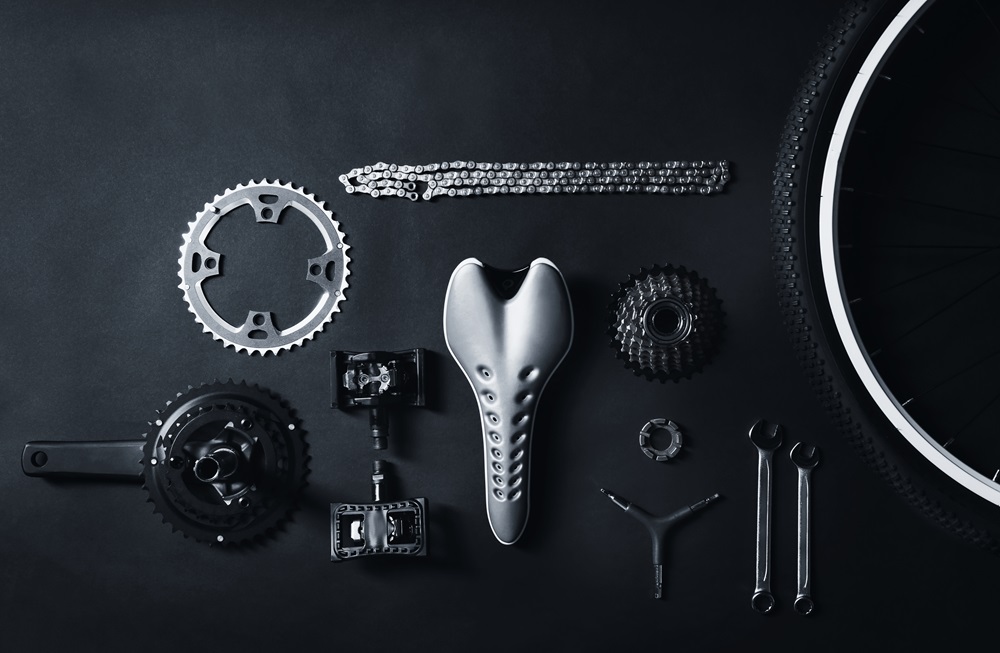
Road Bike Accessories That Make Your Mount Bulletproof
The mount itself is one of the most underrated road bike accessories you can invest in.
Most cyclists spend hundreds on power meters and cycling computers, then grab the cheapest mount they can find. That’s a mistake.
Here’s what to look for:
- Material: Aluminum over plastic – it transfers less vibration and lasts longer
- Fit type: Model-specific mounts over universal adapters – they hold tighter tolerances
- Torque spec: Aim for 5–6 Nm when tightening mount bolts. Tighten bolts evenly, switching back and forth between them. Too loose and you get movement; too tight and you risk cracking the mount or carbon bars
- Position: Out-front stem mounts keep the computer stable and signal-friendly
A quality mount typically costs between $20 and $60 – a fraction of what you paid for the computer it holds.
FAQs
Can a loose bike computer mount actually affect my power numbers?
Yes, it can. When the mount allows the computer to vibrate or shift, it disrupts the Bluetooth or ANT+ signal from your power meter. This leads to data dropouts and inaccurate watt readings, which corrupts your training data over time.
What torque should I use when tightening my bike computer mount?
Most manufacturers recommend 5–6 Nm for mount bolts. Use a torque wrench if possible, and tighten bolts in alternating turns to keep pressure even across the fitting.
Does mounting position on the handlebar change signal quality?
It can, especially on bikes with carbon or aero frames. Keeping your computer in an out-front or stem-top position puts it closer to your sensors and reduces material interference. Most ANT+ signals work best within one meter of the transmitting device.
How do I know if my mount is causing data issues?
Watch for erratic power spikes, sudden drops to zero mid-ride, or large gaps in your power trace after the ride. These are all signs of signal instability – often caused by a loose or poorly fitted mount rather than the computer or power meter itself.
Is an aluminum mount really better than plastic for data accuracy?
Not directly – the material doesn’t transmit data. But aluminum mounts reduce vibration transfer more effectively than plastic, which means your computer stays steadier and maintains a cleaner signal connection throughout your ride.